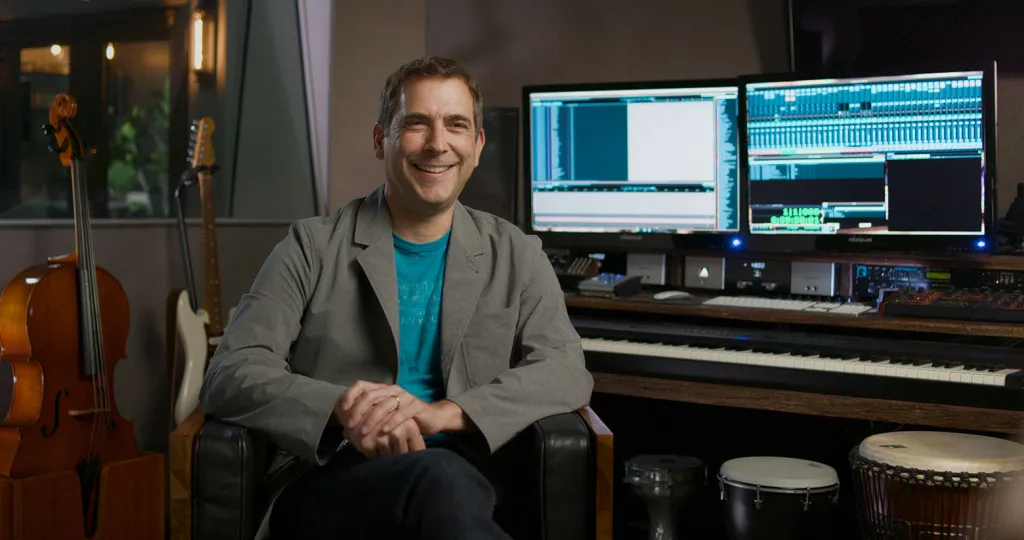
Kevin Manthei is an American composer whose work spans film, TV, and video games. After studying under Jerry Goldsmith (Alien, Star Trek, Gremlins), Kevin has built a career working on high‑profile projects including the animated features Batman: Gotham Knight and Justice League: The New Frontier, TV shows such as Invader Zim, and major games including Vampire: The Masquerade: Redemption, and The Sims 2.
Kevin is a tutor on our online Masters degree in Professional Media Composition
All composers can create their own sounds and record live overdubs, so why aren’t you?
(A little side note: I really wanted to use ChatGPT to help write this, but no, I’m going to do this all by myself like a big boy. AI is another topic, but I just want you to know this is 100% me, all the quirks and weirdness included. I hope you enjoy!)
Hey, composers. A fellow bedroom-dwelling composer here. I want to share a few secrets that really aren’t all that secret: YOU CAN MAKE YOUR OWN SOUNDS. Yes, you can. Oh, and one more thing… YOU CAN RECORD YOURSELF PLAYING INSTRUMENTS.
Okay, now that we’ve gotten the bold text out of the way, let’s dive a little deeper into the subject at hand.
As a sample library developer and the owner of Triumph Audio, you might think, “Well, of course Kevin makes his own sounds, he owns a sample library company!” And while that’s true, my company only began three years ago. I’ve actually been creating my own sounds since I started composing professionally in the 1990s. That’s a long time ago, and it spans my entire career. Let’s look at a few examples from over the years.
Back in the late ’90s, I was visiting my parents in Minnesota. They lived next to a children’s park that had one of those old-school metal slides, the kind that would scorch your legs if you went down on a hot day. Remember those? Well, I sampled the heck out of that thing, and those original recordings ended up all over my score for my first animated series: Invader Zim for Nickelodeon.
Maybe you’re thinking I was out there with a big crew, fancy microphones, a laptop, high-end converters, and all that, right? Nope. I was on vacation, and all I had was my camcorder. (Hey, this was the ’90s, we still used camcorders!) So I just recorded a video which, luckily, was in stereo, of me banging on the slide. When I got home, I transferred the audio, chopped it up in my DAW of choice, and loaded those samples into GigaStudio.
I’ve since converted them to Kontakt, and they’ve become a small part of my found-sound percussion library, Roadtrip Percussion.
Character, character, character
Speaking of Roadtrip Percussion, I did something similar with my iPhone at a local park that had a really cool set of xylophone- and marimba-type instruments. There were kids running around, laughing, and playing, the whole playground was alive with noise and energy. I pulled out my Voice Memos app, recorded in mono, and captured a few hits of each note for some basic velocity layers. Later, I cut everything up and dropped the samples into Kontakt once I got home.
Once again, it was just me and a simple recorder. Not even my Tascam stereo handheld, not one of those fancy Zoom recorders. But you know what? It had character. And those kids’ screams and footsteps in the background? They actually made the patches sound unique and almost ethereal once I added a bit of reverb.
Speaking of character, I have a story about a lone toy piano sitting in what looked like an Indiana Jones–style warehouse. Inside this huge, old antique warehouse, I stumbled across a dusty toy piano. It was a windy day, and the entire building creaked and groaned from the gusts. I recorded that piano with my iPhone, and it eventually became the Gorilla Toy Piano library, as well as part of the more pristine Cinematic Toy Piano collection.
Character, character, character. We don’t always need to chase the perfectly clean or pristine sound.
Sound manipulation
So now that we’ve covered found sound, let’s talk about manipulating sound.
Do you have a big reverb plugin, like Blackhole or Valhalla Shimmer? Nice! How about some delays, maybe some Soundtoys or other free plugins? Do you know how to transpose audio, stretch it, or combine random pieces of recorded sound to create something strange and new?
These are some simple tricks you can use to take raw audio and turn it into something completely fresh. In our sample libraries, we love exploring the authentic side of a sound, but we also dive deep into the processed side. Don’t be afraid to get your hands dirty. Spend an hour or two experimenting with the sounds and instruments you’ve recorded.
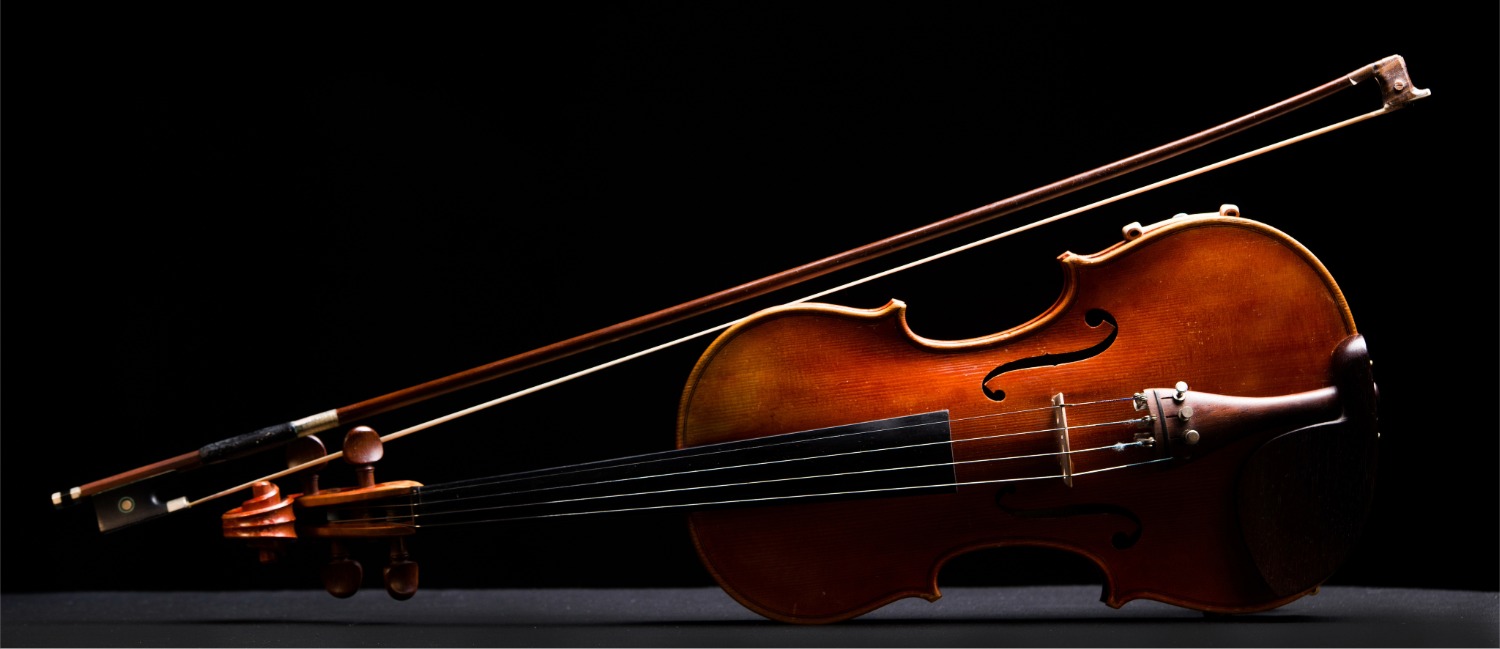
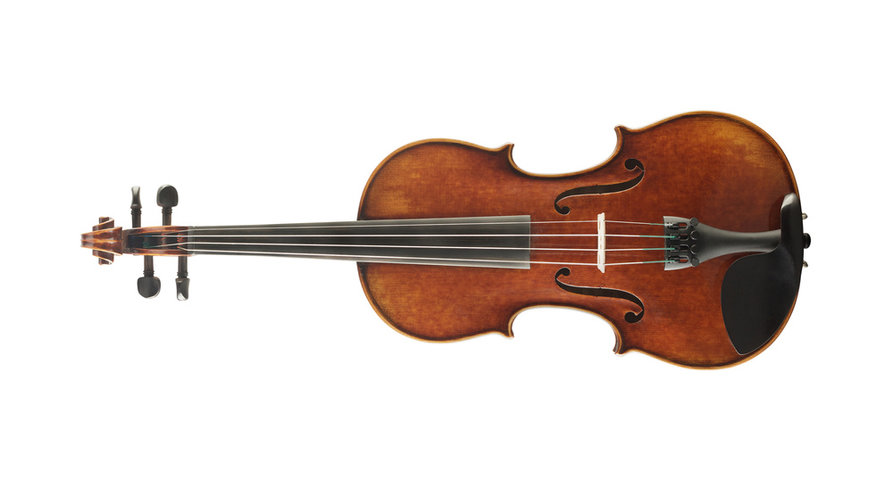
Let’s look at an example: grab that violin you bought thinking you might try to learn to play. It’s okay, I can’t play either, but that hasn’t stopped me from making weird sounds. Take the bow and try bowing behind the bridge to create long, creepy tones.
Record yourself doing that about ten times. You can stack the takes as you record, or just do one long session. Now, switch hats and become the producer and mixer. Start manipulating the audio: maybe take two of the takes and stretch one so that they start and end at the same time. Then add some saturation, a big shimmer reverb, and a retro delay, and listen to your masterpiece. It’s really that simple.
Record the final audio, and that’s the WAV file you can drop into Kontakt or any simple sampler in your DAW. Most DAWs these days have samplers that let you just drag in a WAV file. Or you might just enjoy exporting all those “ear candy” sounds to a folder, ready to use for your current or next project.
Recording instruments you can't play
Let’s finally talk about recording yourself playing instruments you don’t know how to play. I have two rooms full of random instruments that I really have no business playing. But you know what? I fool people all the time. Even just recording yourself playing some shakers over a cue can make it pop. A bit of hand percussion, a preschool glockenspiel, a few bows on the cello, a couple of guitar notes, or even a trumpet line can bring your music to life.
I’ve talked to composers who are waiting for the perfect mic, the perfect instrument, the perfect talent, and they get so bogged down in the pursuit of perfection that they never start. Just start. Grab a mic, put it in front of the instrument, and record. It’s really that simple. There are so many great large-diaphragm condenser mics under $200 these days. I actually have a few around $100 that sound pretty darn good. Not as perfect as my high-end mics, but let’s be honest, is anyone listening to your music doing A/B tests? Haha, of course not.
If you do play an instrument, always try to perform the lines yourself when composing for it. Build relationships with young musicians who are eager to play for media composers; they might be willing to help you out. Reach out to fellow composers and musicians and barter your time and talents. Don’t just sit alone in a room. Bring live music into your tracks and take your work to the next level.
Make your own sounds, you can do it! Record yourself on your music, it’s not that hard!
Want to learn more from Kevin? He is a tutor on our online Masters degree in Professional Media Composition
ABOUT THE AUTHOR